
Request a New Password
If you have forgotten your password for logging in to the library catalog, you can request a new password.
To do so, open the Portal for External Users (please note that the portal is only available in German) and click on the “Forgot password?” link (see screenshot).
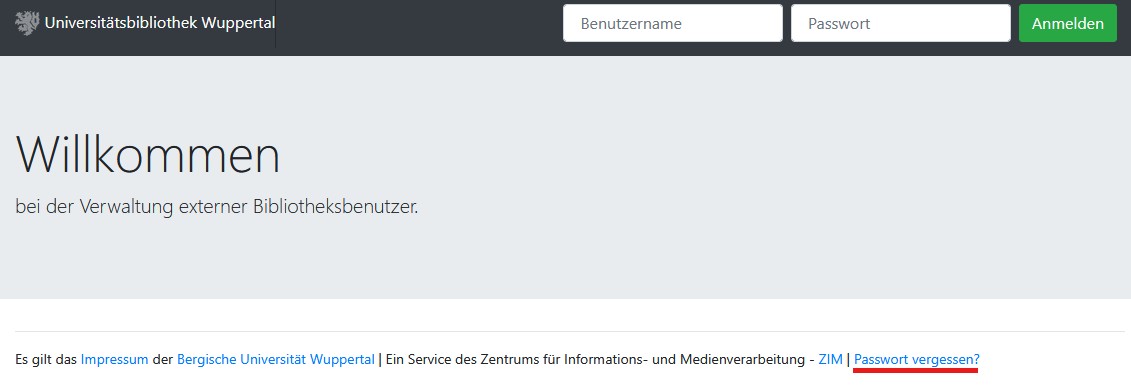
Then enter the email address you provided when applying for your library card. You will receive an email containing your new username and a link that allows you to set a new password.
Please note that the link is valid for 24 hours only and can be used once only. After that, you will be able to log in to the library catalog again.
If you have any questions or encounter any problems, please contact us by phone at +49 202 439-2705 or use our contact form.